Splash-Screens & Background Photo
Share Your Photos with the digiKam Community
Want to showcase your photos to thousands of digiKam users? Consider submitting your best photos for use as splash screens in digiKam and Showfoto. This is one of the easiest ways to contribute to the project!
How to Submit Your Photos
We are currently looking for two new splash screens:
- One for digiKam
- One for Showfoto
Requirements:
- Format: Landscape orientation.
- No additional elements: Do not add text, watermarks, or other elements to the photo.
- Submission: Send your photos to caulier.gilles@gmail.com.
Templates for Testing
We provide SVG templates created with Inkscape to help you visualize your photos with the application logo:
Selection Process
Once you submit your photos, we will review them and notify you if they are selected.
Welcome Page Photo
Since digiKam 5.0.0, we have added a new welcome page that appears on the root collection at the first run. This page features a full-resolution JPG background photo.
Requirements for the Welcome Page Photo:
- Resolution: Full resolution JPG.
- Metadata: Provide the following information:
- Author name
- Shot location
- Camera settings
We will display an overlay with these details on the photo.
Official Photos
Check out below the official photos from our contributing photographers that have been published with the software.
| Version | digiKam Splash-Screen | Showfoto Splash-Screen | digiKam Background Photo |
|---|---|---|---|
| 8.9.0 | 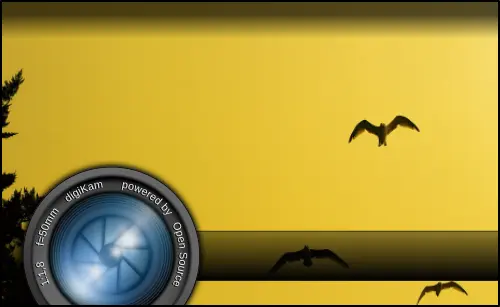 | 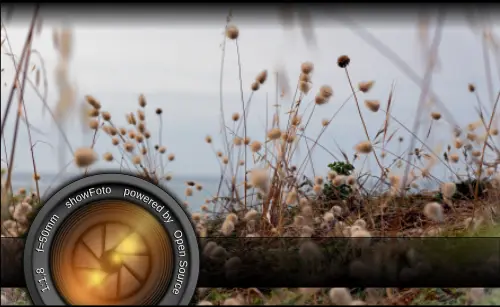 | 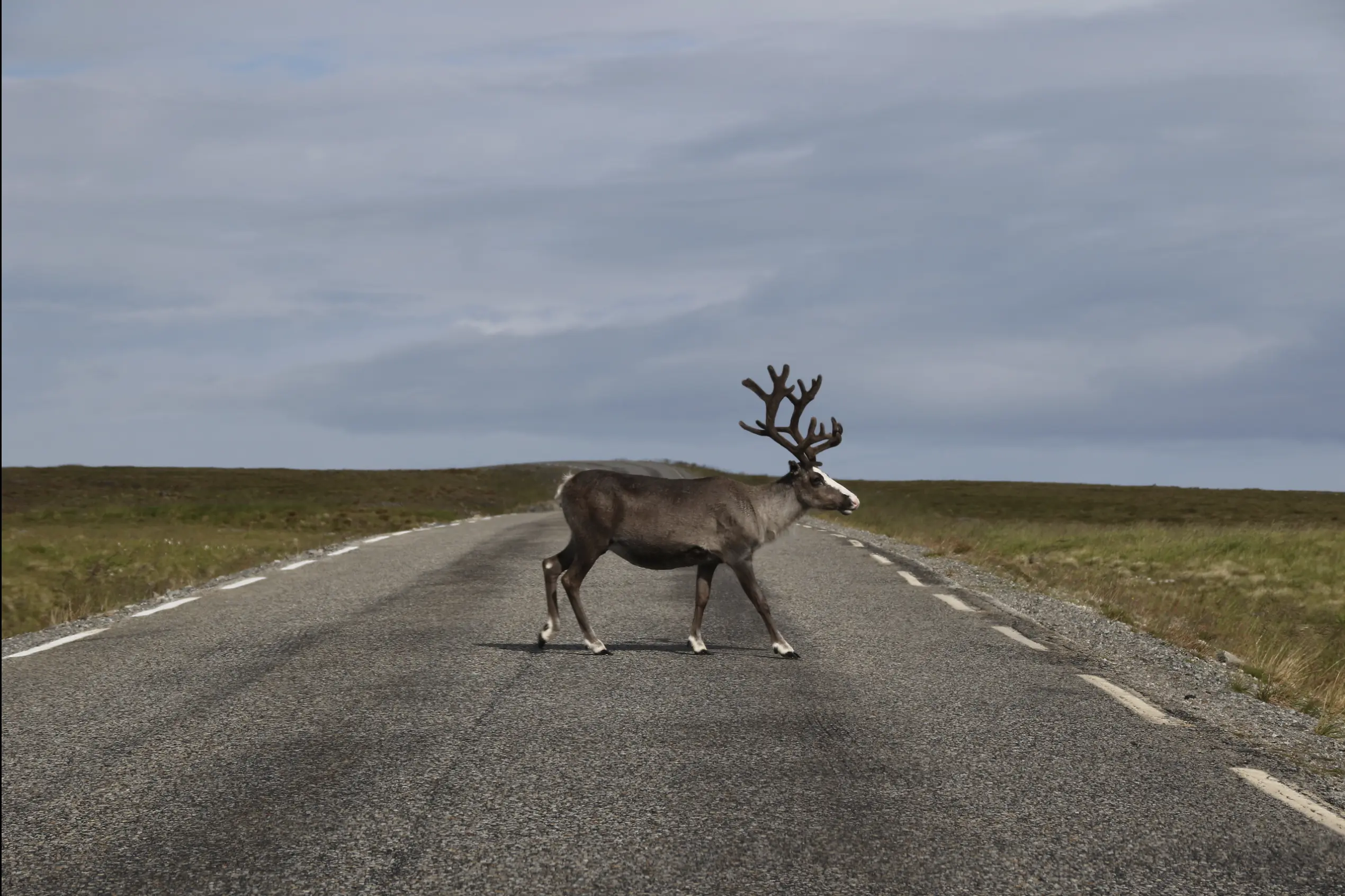 |
| 8.8.0 |  |  | 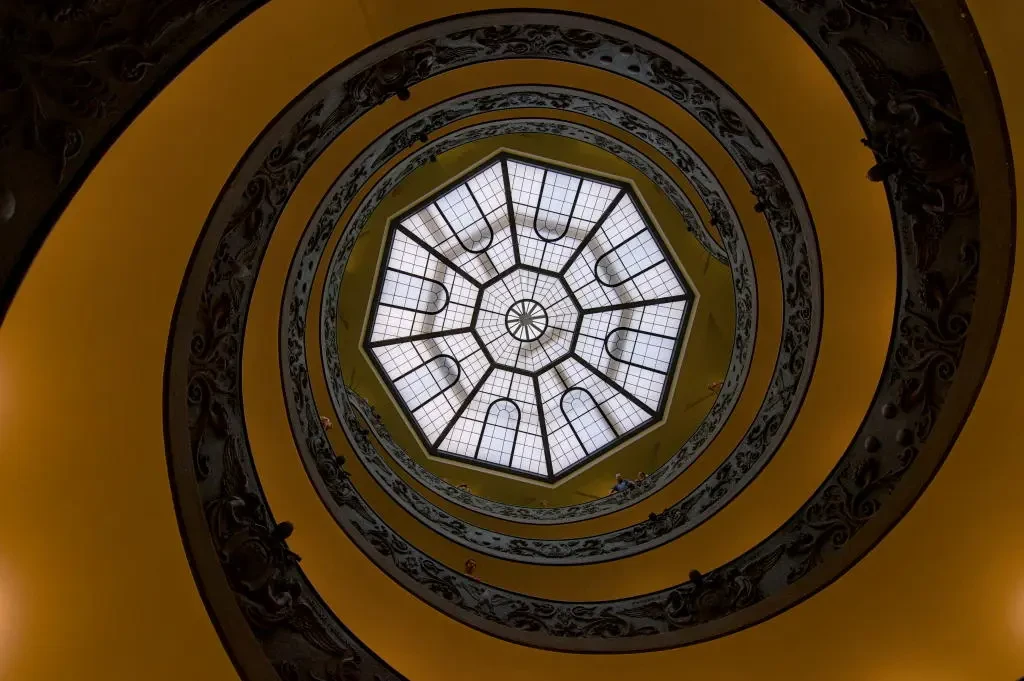 |
| 8.7.0 |  | 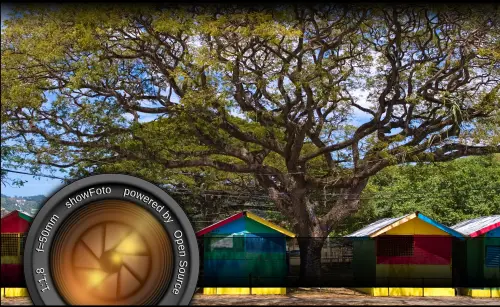 | 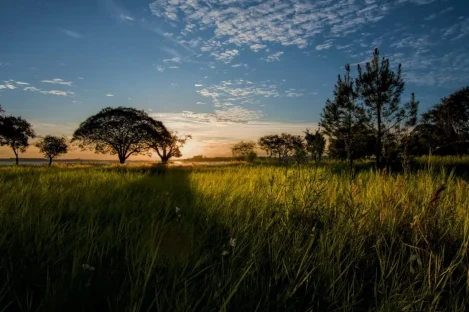 |
| 8.6.0 | 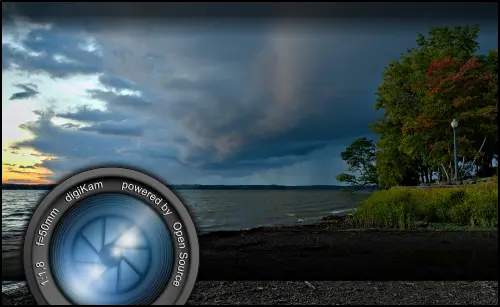 | 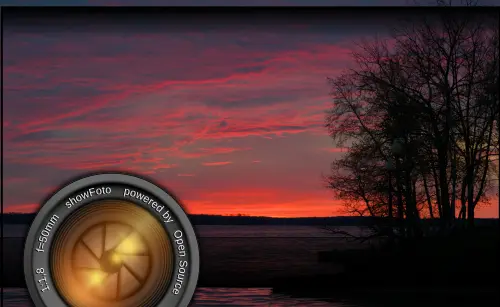 | 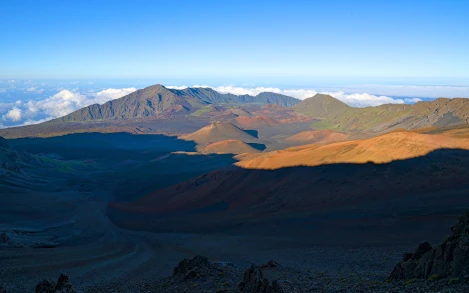 |
| 8.5.0 | 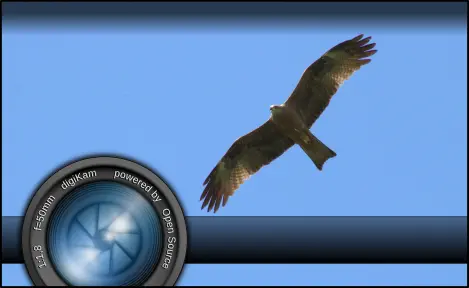 |  |  |
| 8.4.0 | 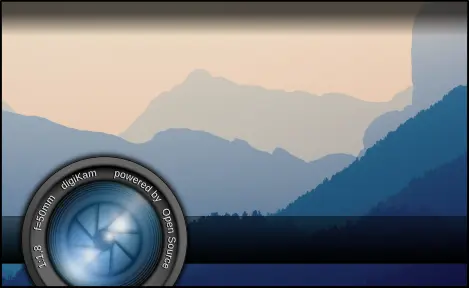 | 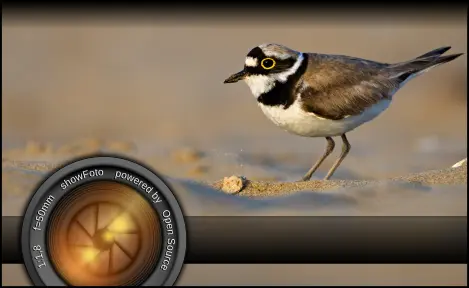 |  |
| 8.3.0 | 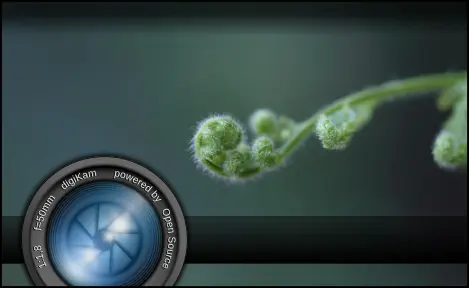 | 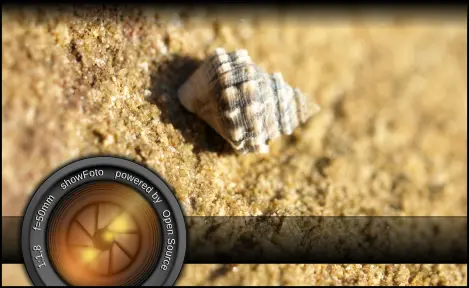 | 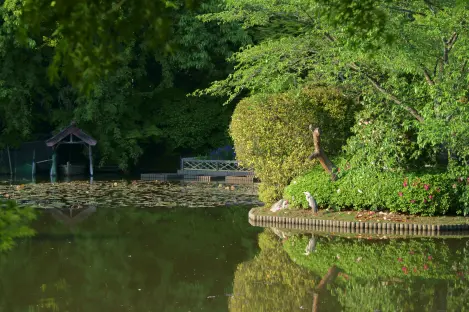 |
| 8.2.0 |  | 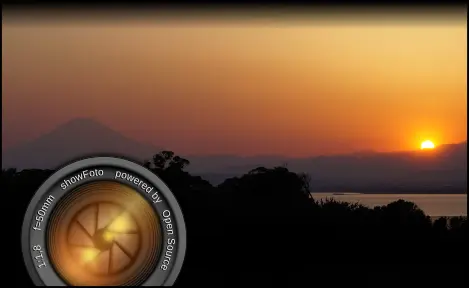 | 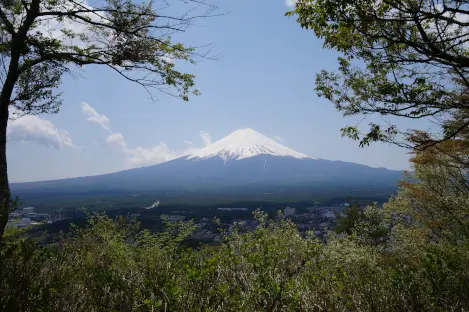 |
| 8.1.0 | 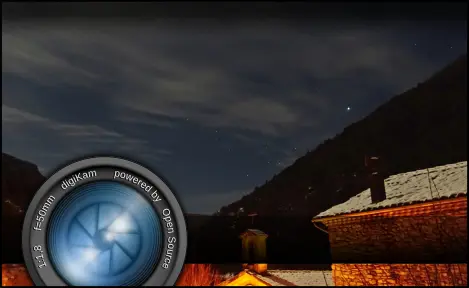 | 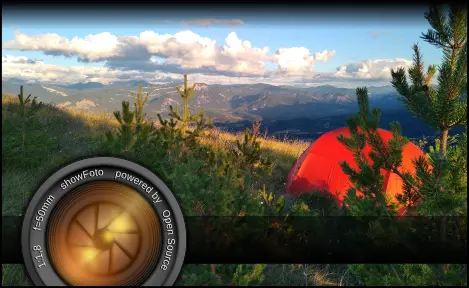 |  |
| 8.0.0 | 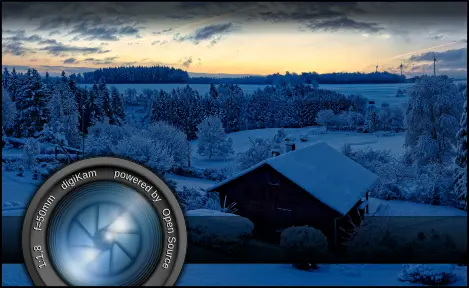 | 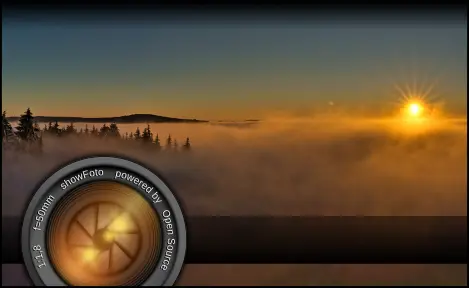 |  |
| 7.9.0 | 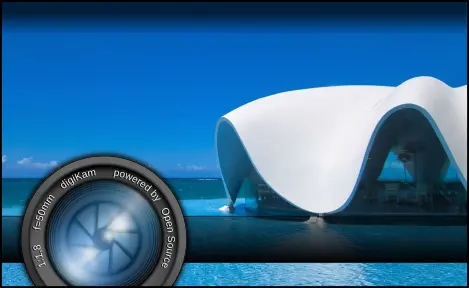 | 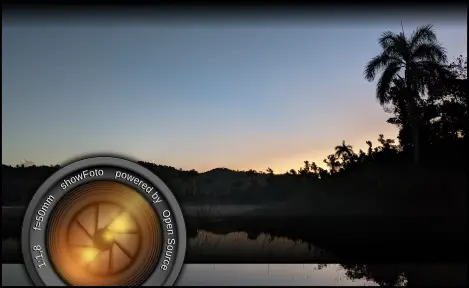 | 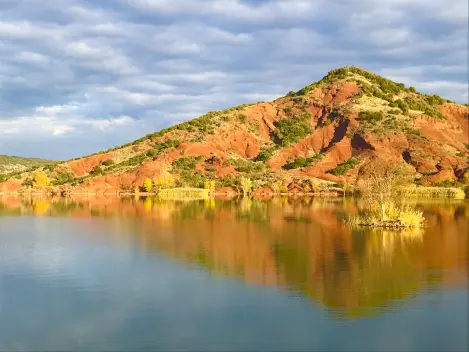 |
| 7.8.0 | 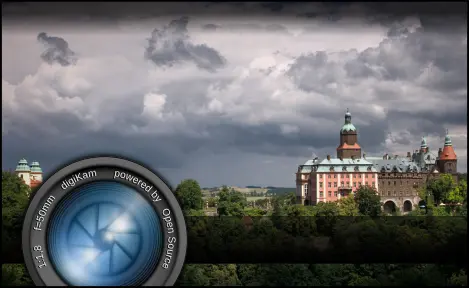 | 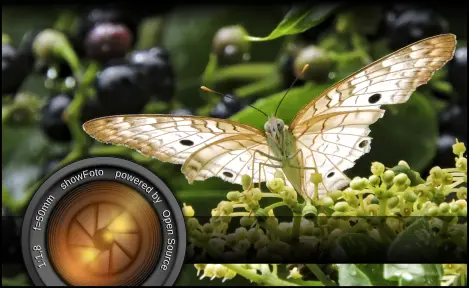 | 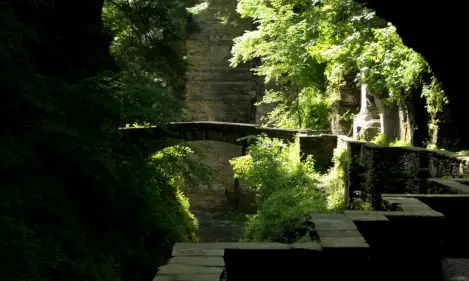 |
| 7.7.0 | 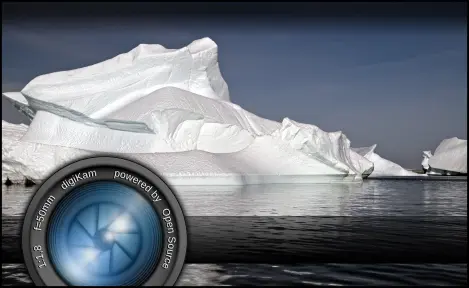 | 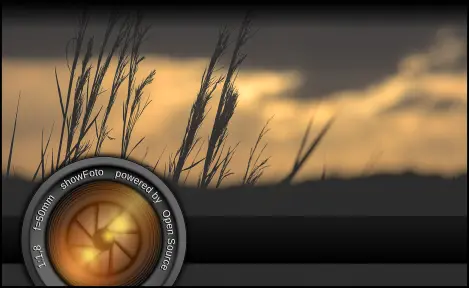 | 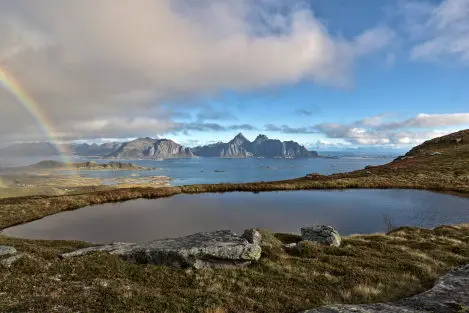 |
| 7.6.0 |  | 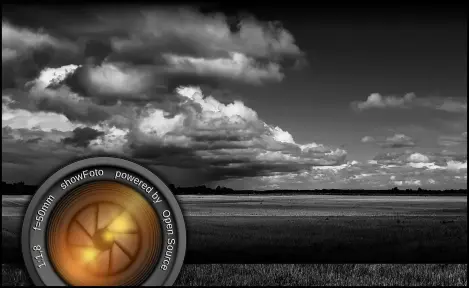 |  |
| 7.5.0 |  |  | 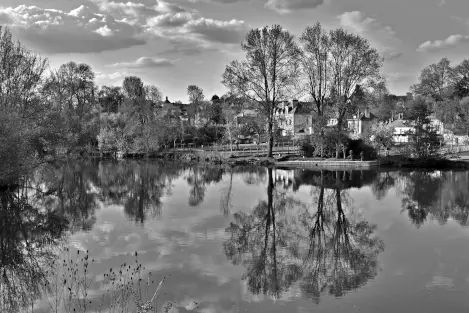 |
| 7.4.0 | 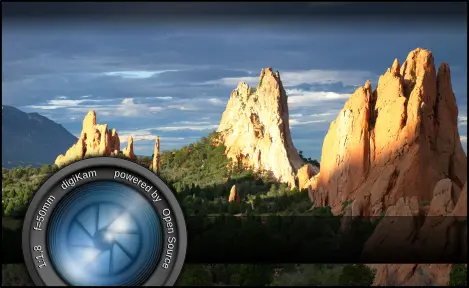 |  | 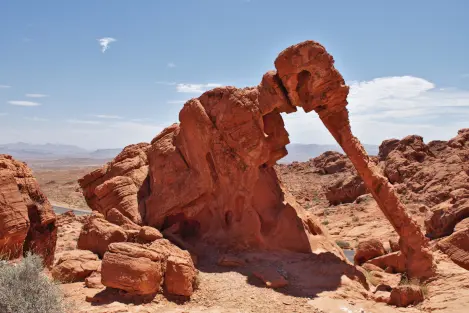 |
| 7.3.0 |  | 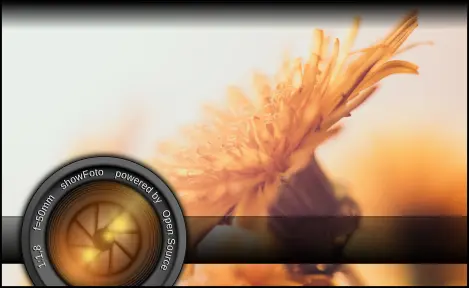 |  |
| 7.2.0 | 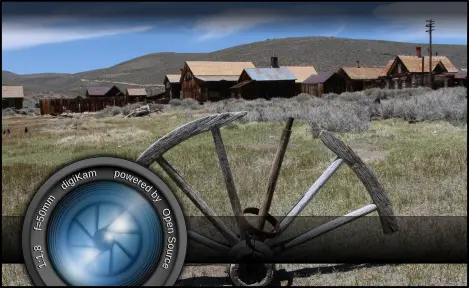 | 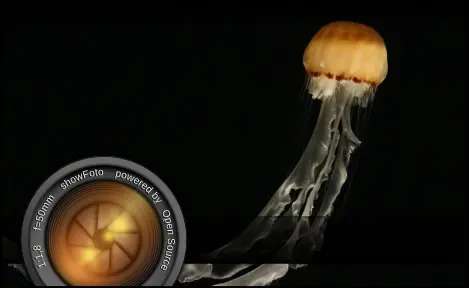 |  |
| 7.1.0 | 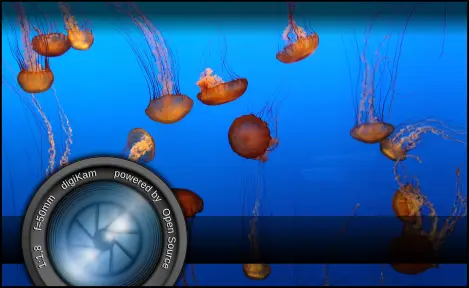 | 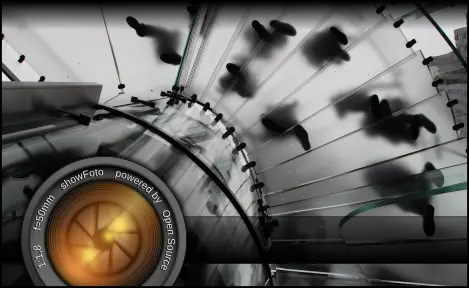 | 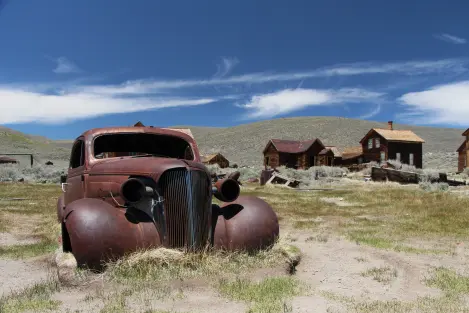 |
| 7.0.0 | 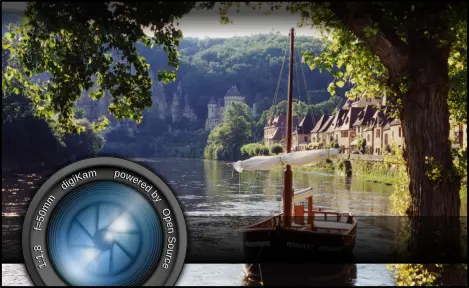 | 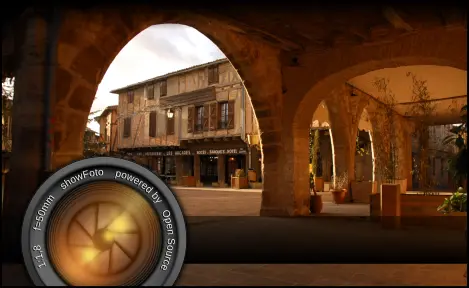 | 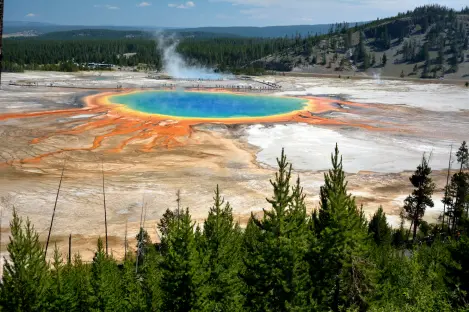 |
| 6.4.0 | 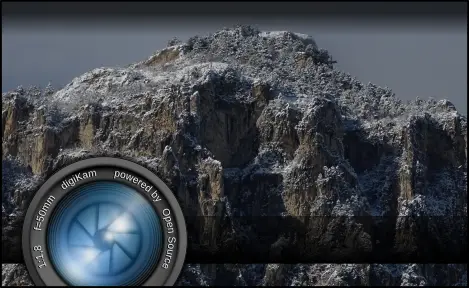 | 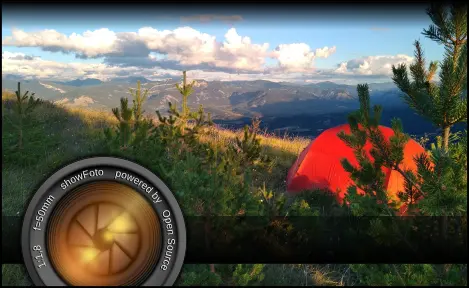 |  |
| 6.3.0 | 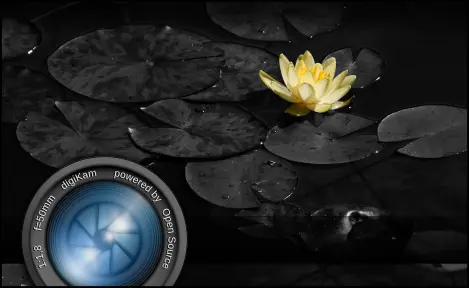 | 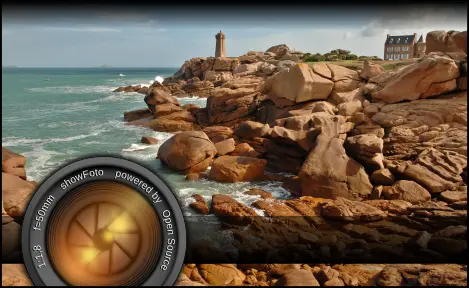 | 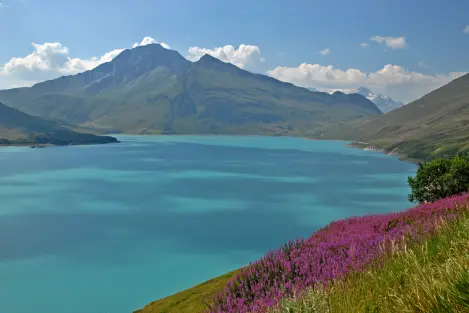 |
| 6.2.0 | 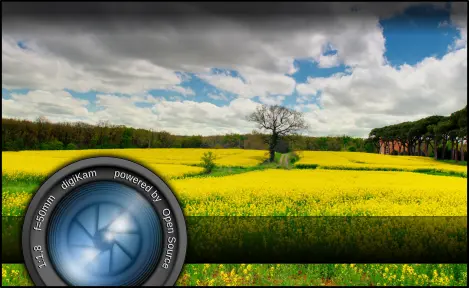 |  | 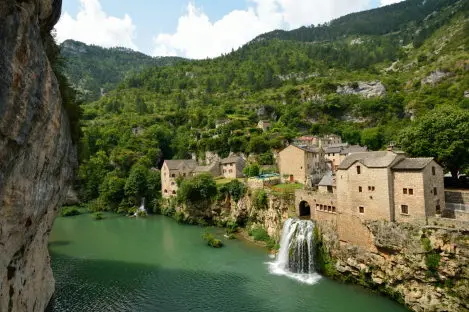 |
| 6.1.0 | 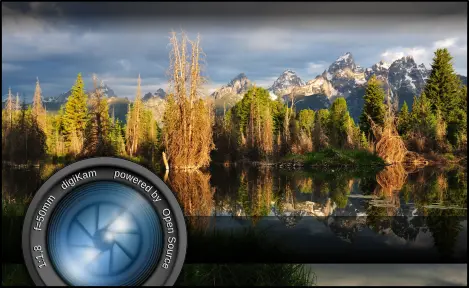 | 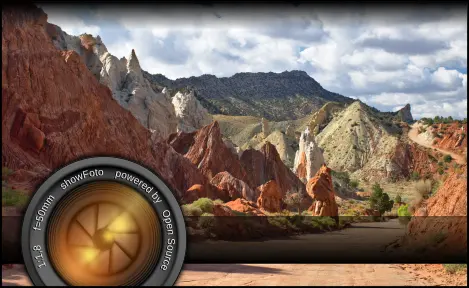 | 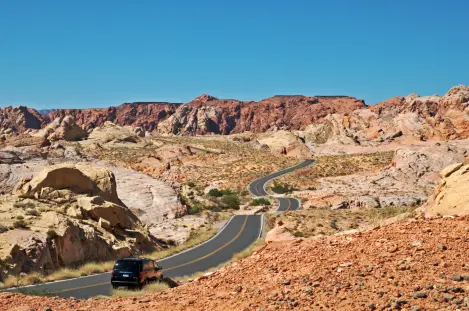 |
| 6.0.0-beta3 | 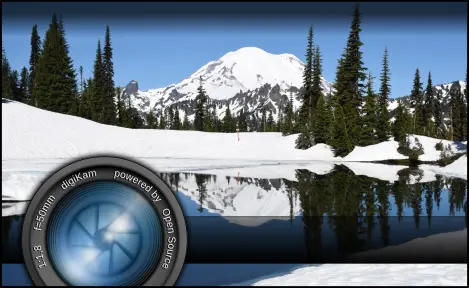 | 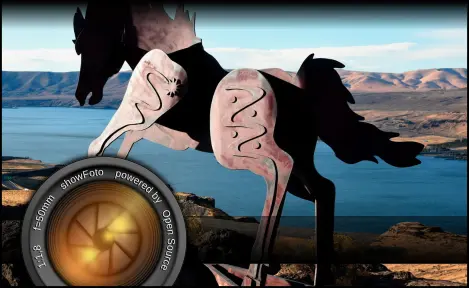 | 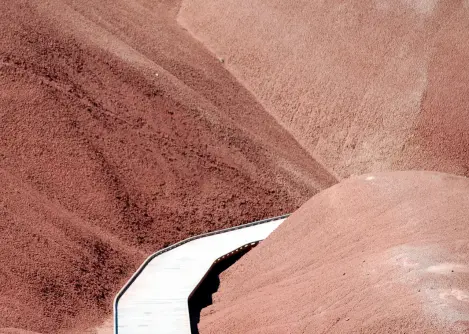 |
| 6.0.0-beta2 | 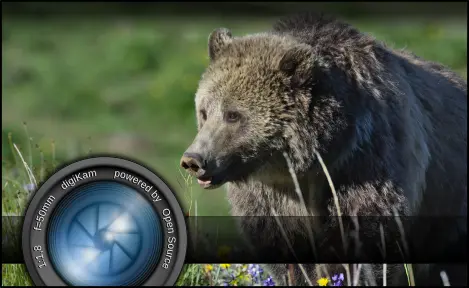 | 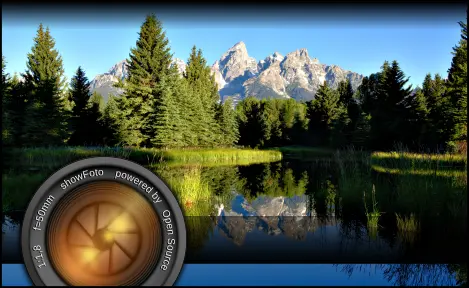 | 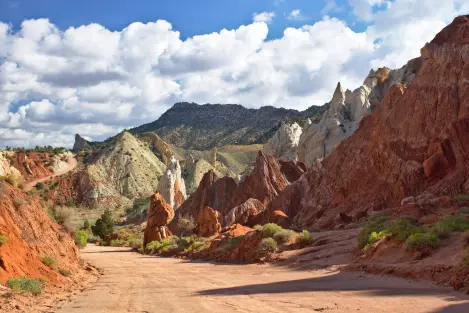 |
| 6.0.0-beta1 | 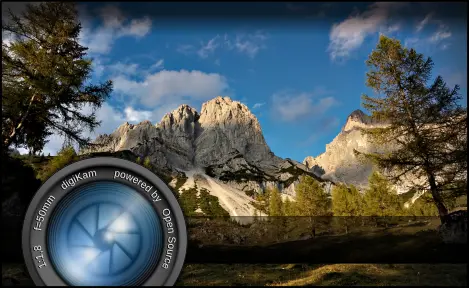 |  | 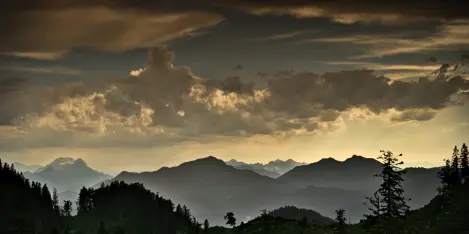 |
| 5.9.0 | 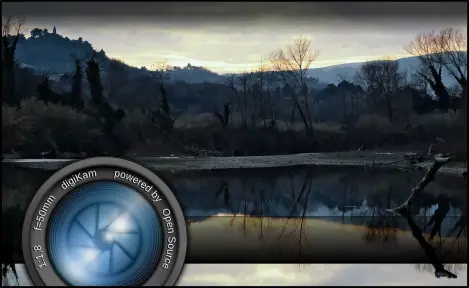 | 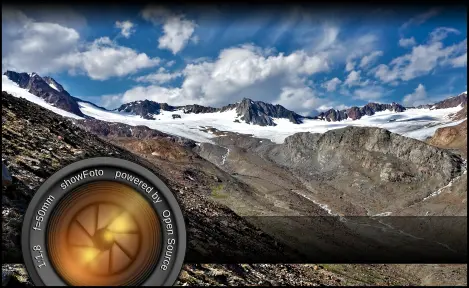 | 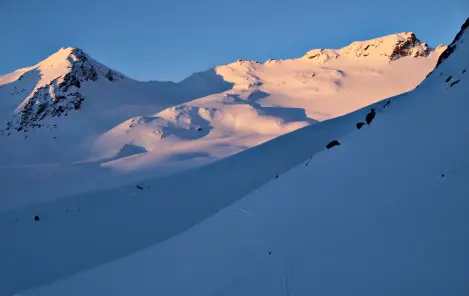 |
| 5.8.0 | 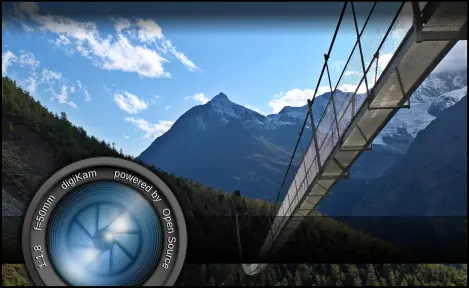 | 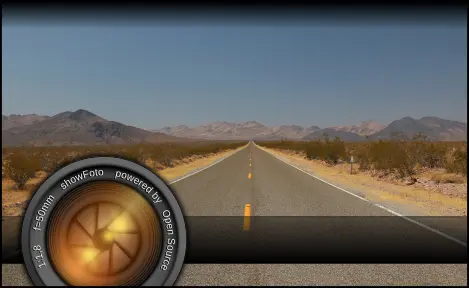 | 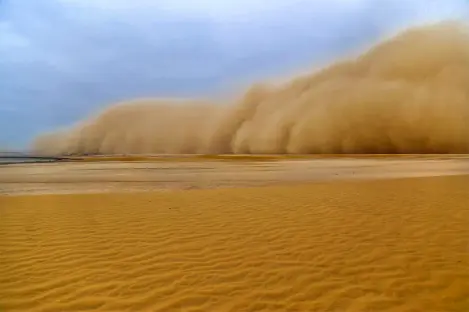 |
| 5.7.0 | 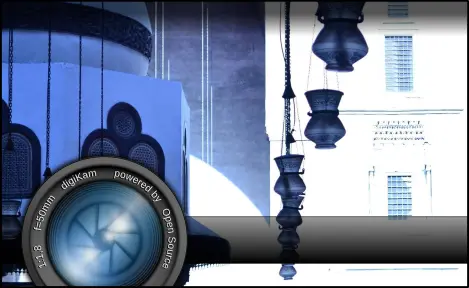 | 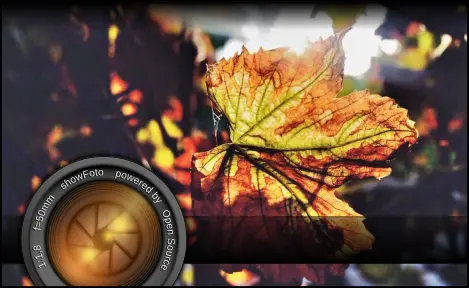 |  |
| 5.6.0 |  | 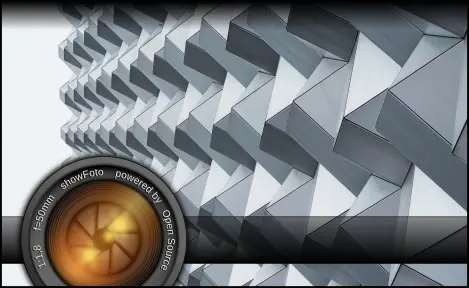 | 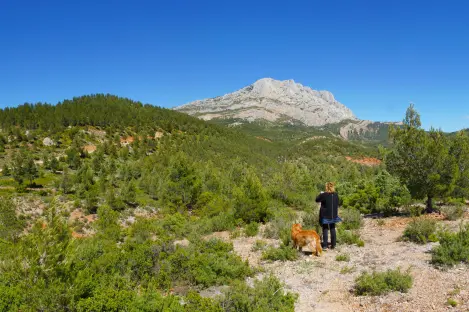 |
| 5.5.0 |  | 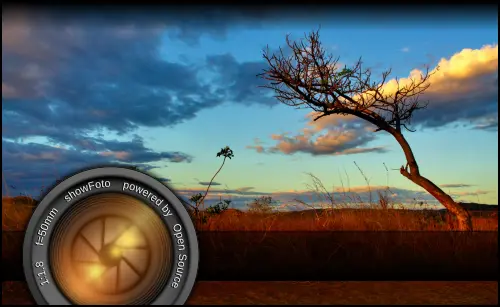 | 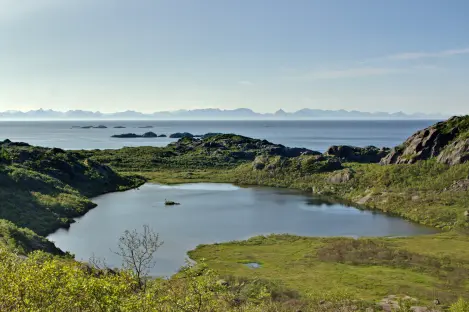 |
| 5.4.0 | 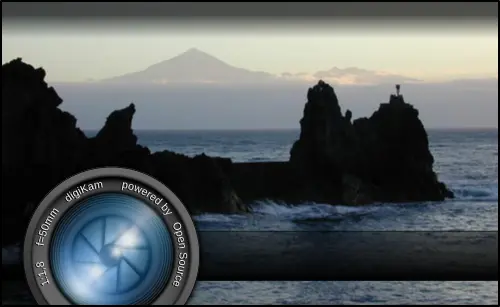 | 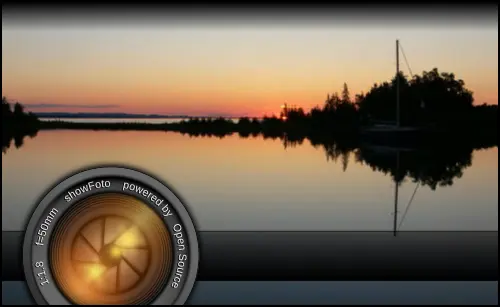 |  |
| 5.3.0 |  |  | 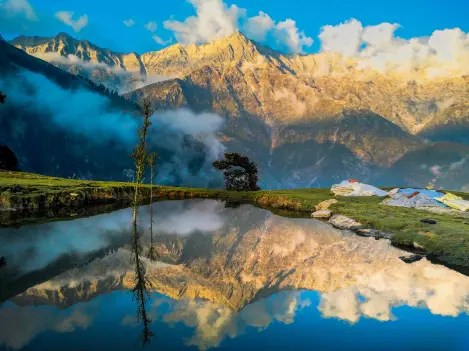 |
| 5.2.0 |  | 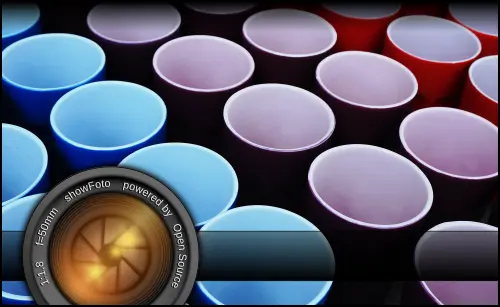 |  |
| 5.1.0 | 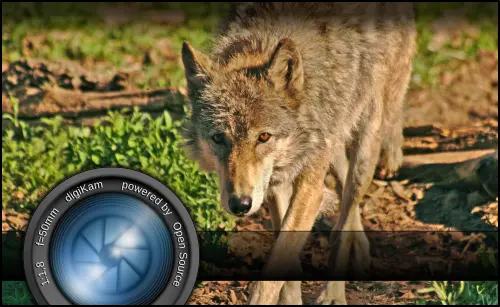 | 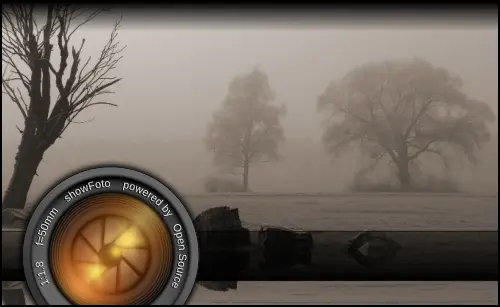 | 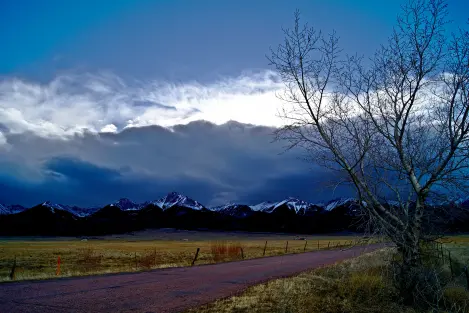 |
| 5.0.0 | 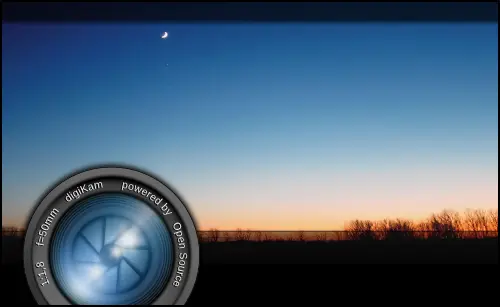 | 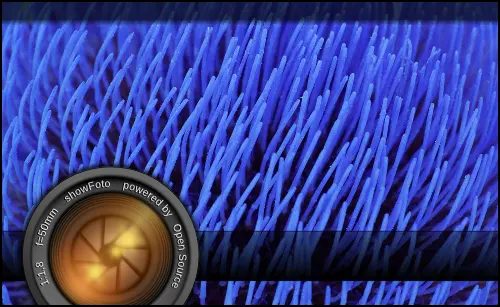 | 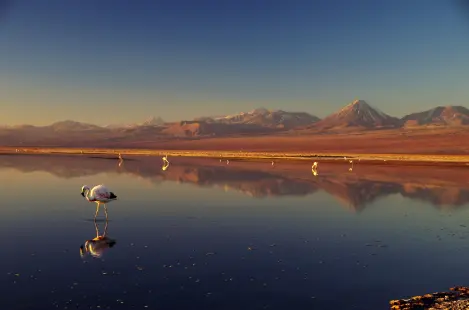 |
| 4.10.0 | 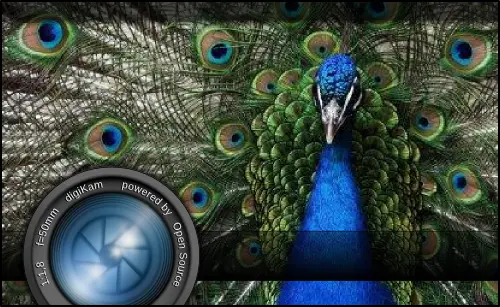 | 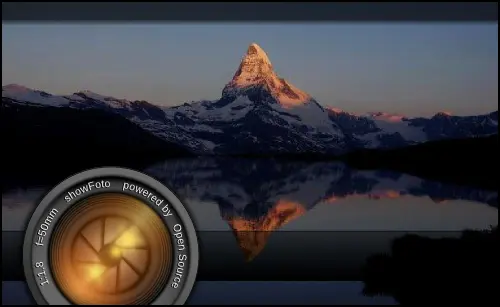 | |
| 4.9.0 | 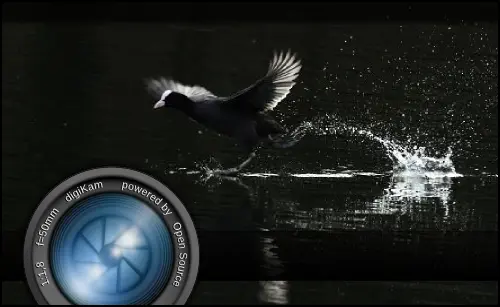 | 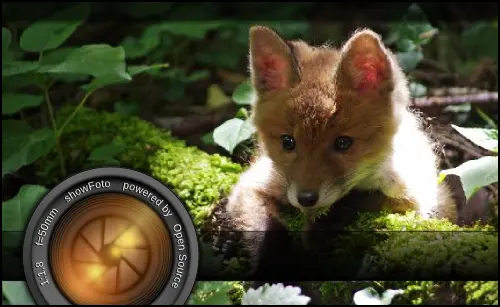 | |
| 4.8.0 | 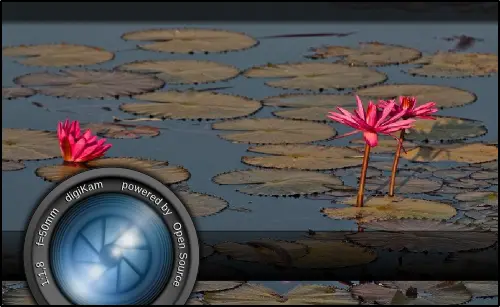 |  | |
| 4.7.0 | 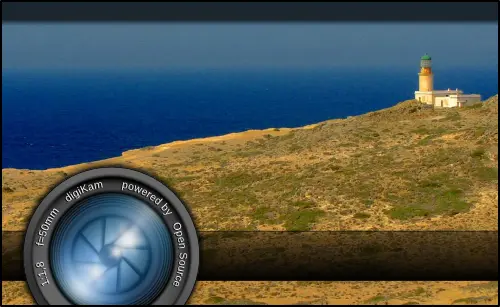 |  | |
| 4.6.0 |  | 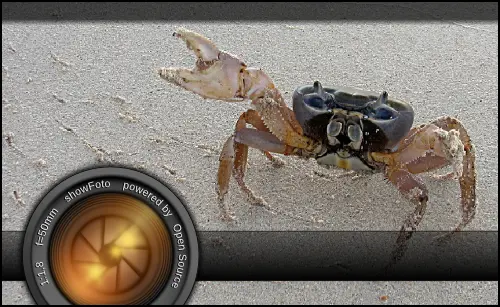 | |
| 4.5.0 | 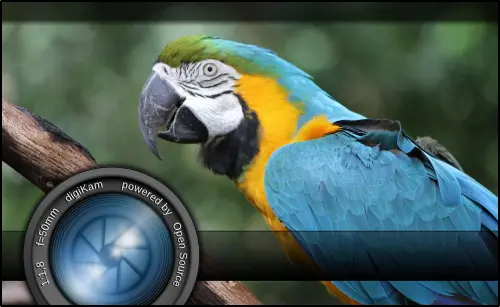 | 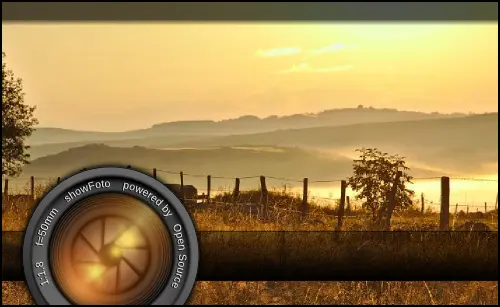 | |
| 4.4.0 | 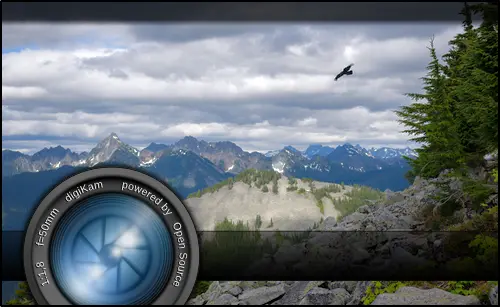 | 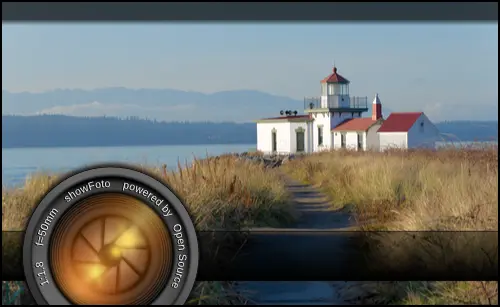 | |
| 4.3.0 | 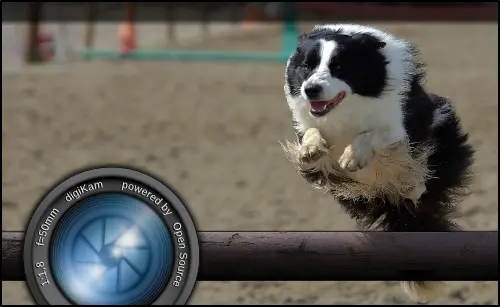 | 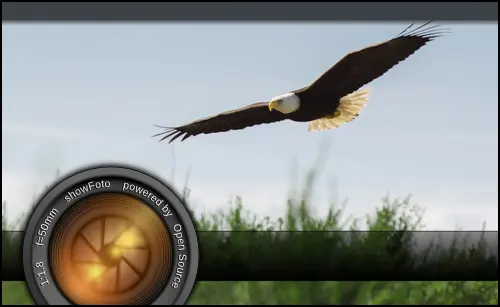 | |
| 4.2.0 | 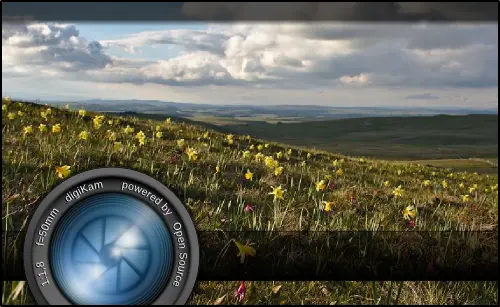 | 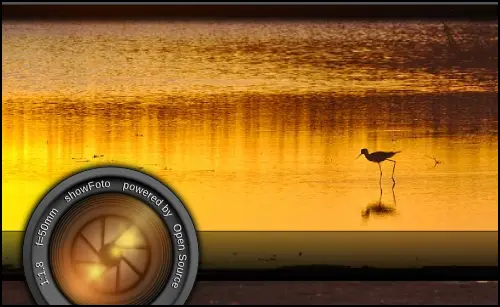 | |
| 4.1.0 |  | 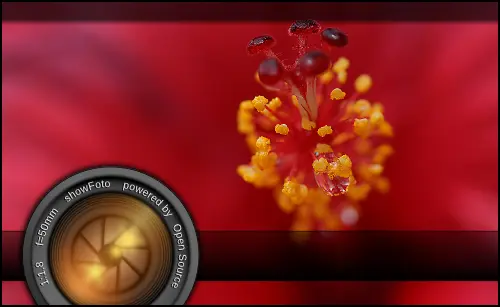 | |
| 4.0.0 | 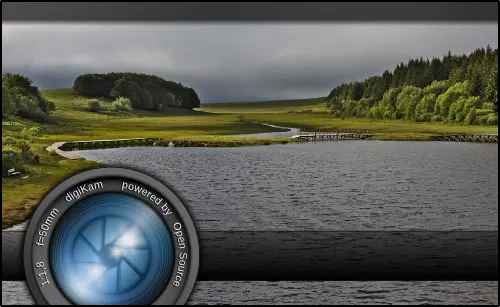 | 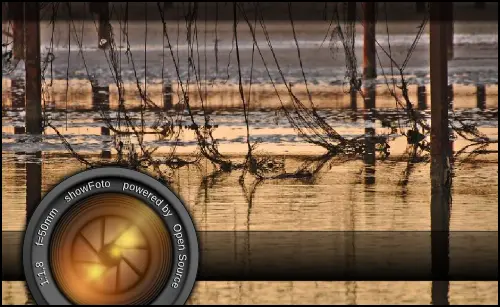 | |
| 4.0.0-beta1 | 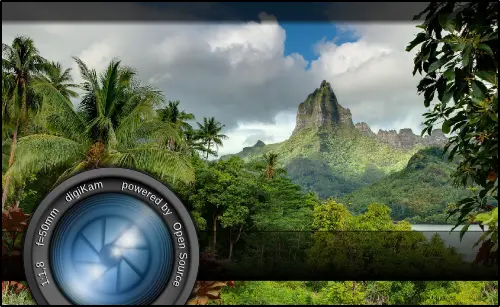 |  | |
| 3.5.0 | 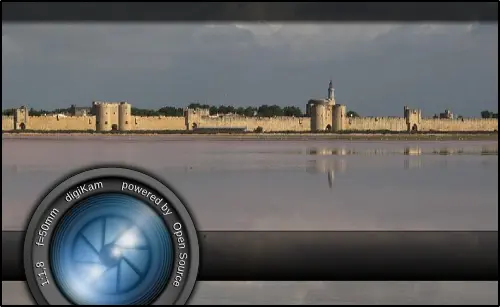 | 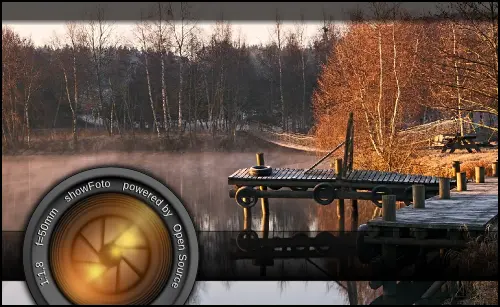 | |
| 3.4.0 | 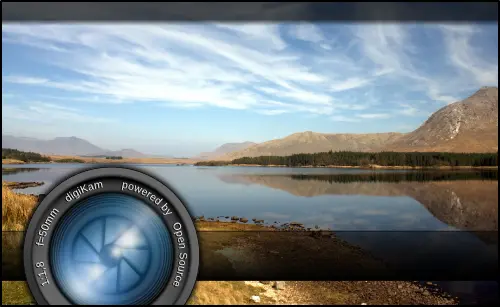 | 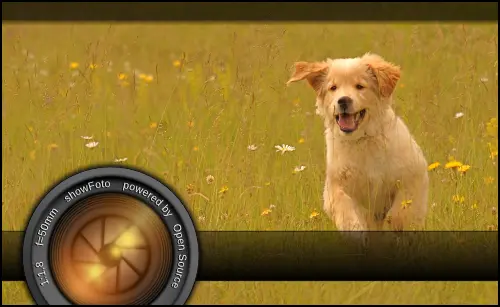 | |
| 3.3.0 | 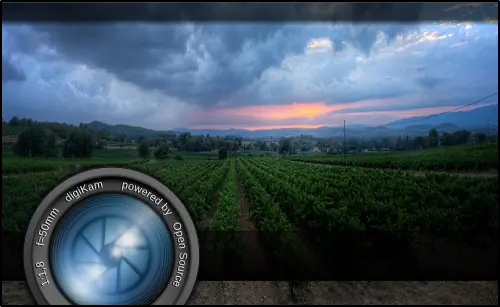 | 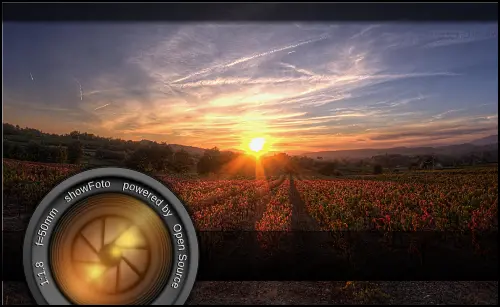 | |
| 3.2.0 | 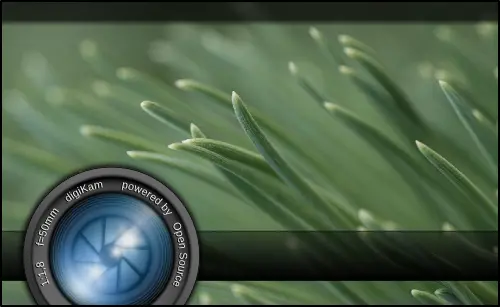 | 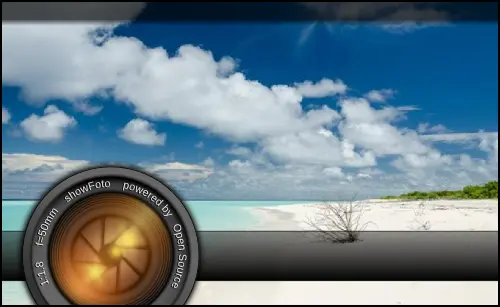 | |
| 3.1.0 | 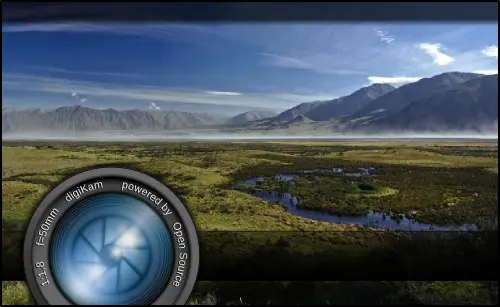 | 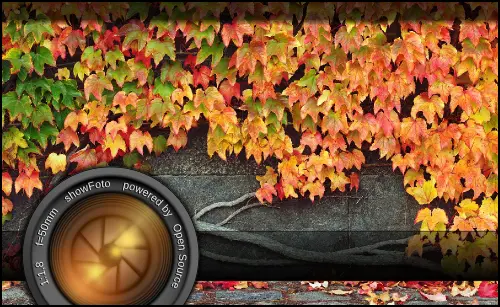 | |
| 3.0.0 | 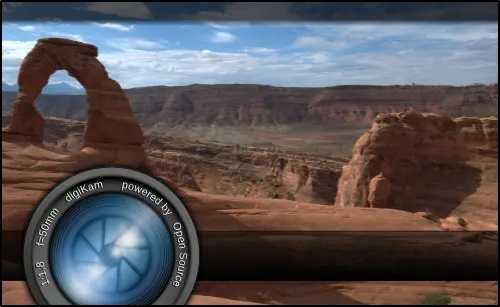 | 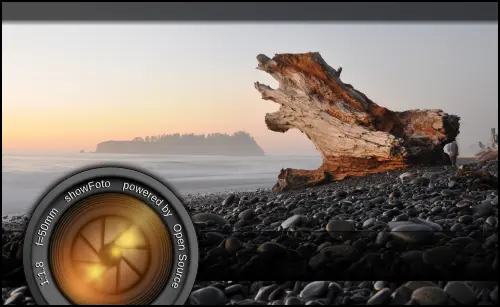 | |
| 3.0.0-rc | 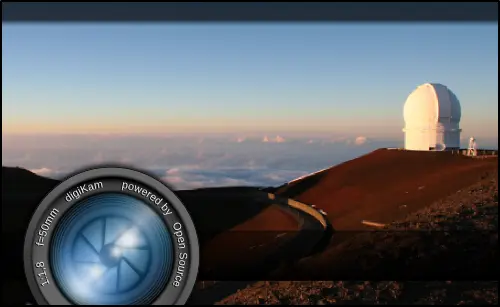 | 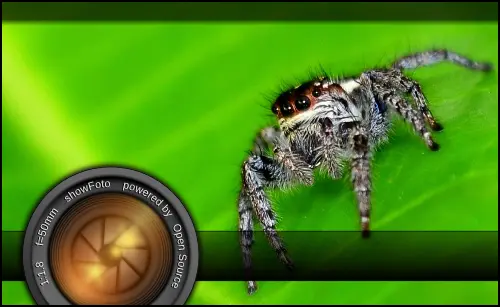 | |
| 3.0.0-beta3 |  |  | |
| 3.0.0-beta1 | 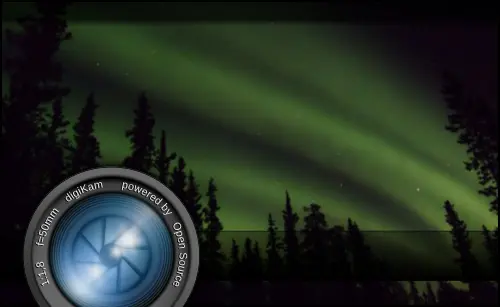 | 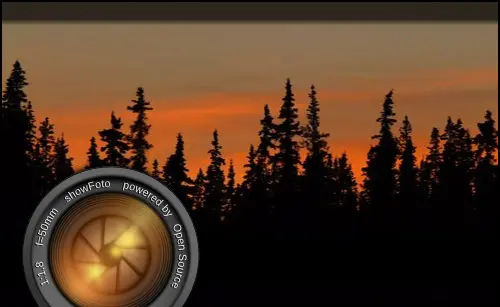 | |
| 2.9.0 | 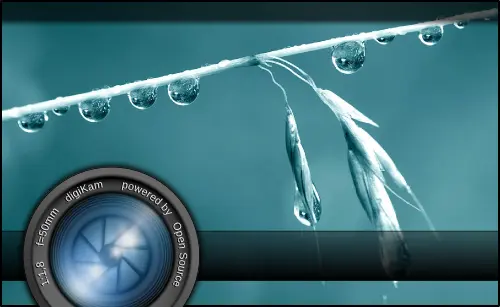 | 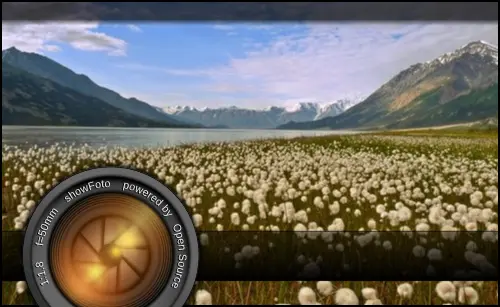 | |
| 2.8.0 |  |  | |
| 2.7.0 | 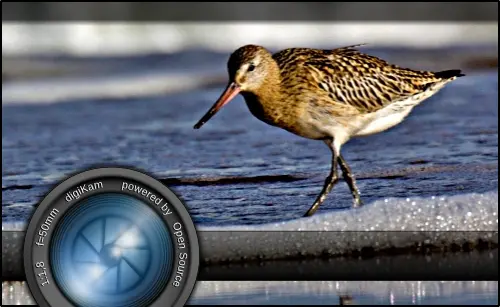 | 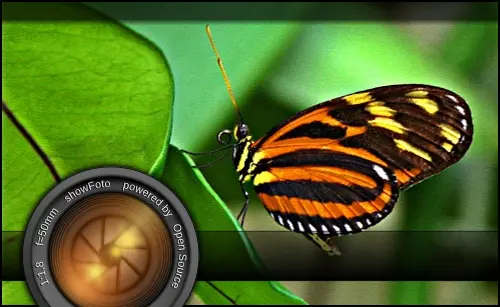 | |
| 2.6.0 | 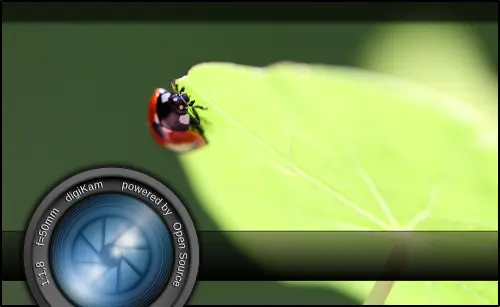 | 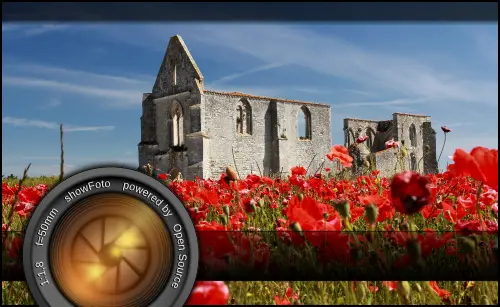 | |
| 2.6.0-rc | 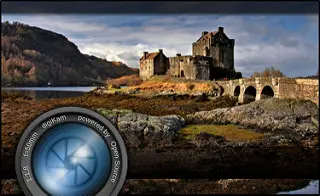 | 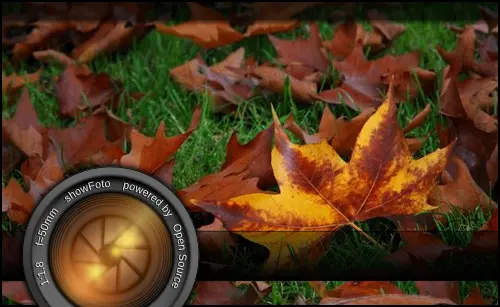 | |
| 2.6.0-beta3 |  | 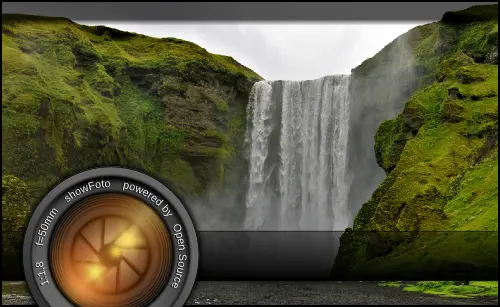 | |
| 2.6.0-beta2 |  | 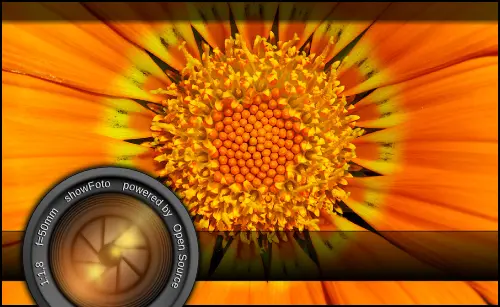 | |
| 2.6.0-beta1 | 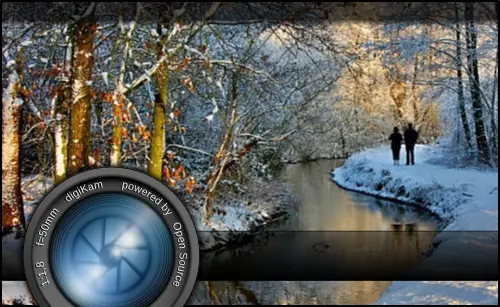 | 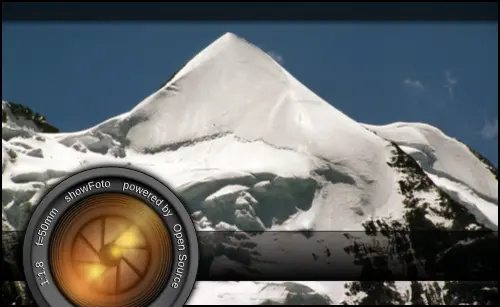 | |
| 2.5.0 | 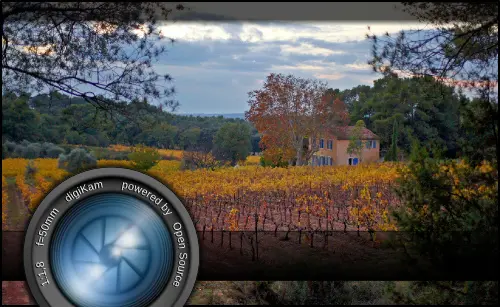 | 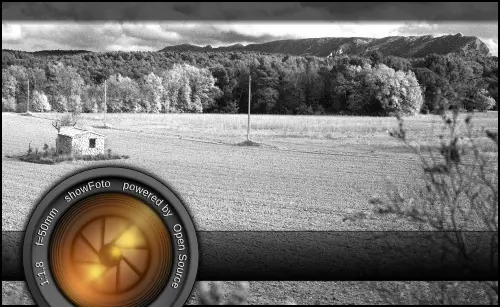 | |
| 2.4.0 | 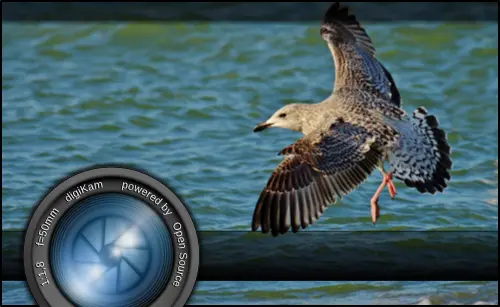 | 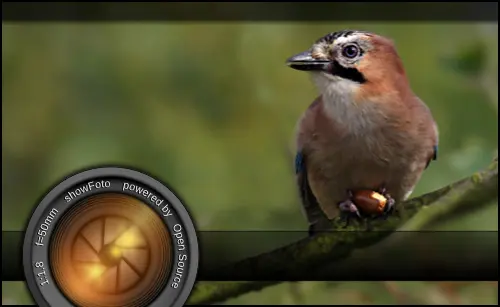 | |
| 2.3.0 | 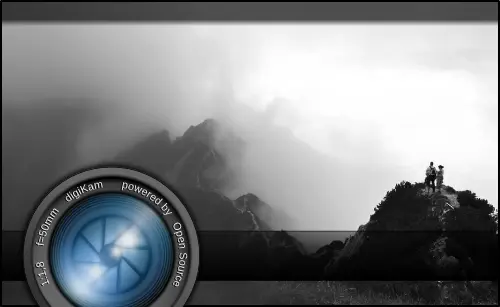 | 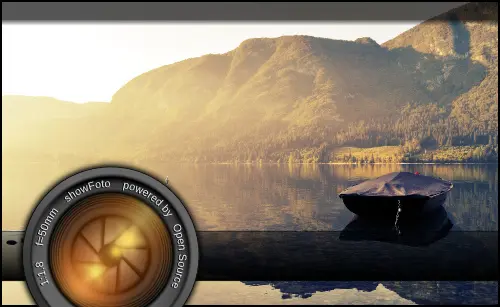 | |
| 2.2.0 | 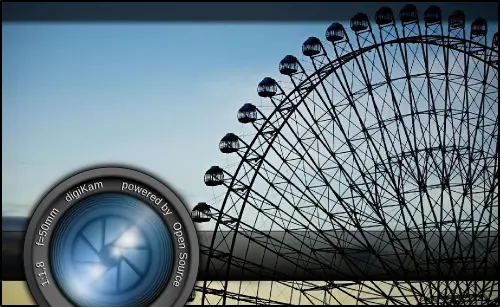 |  | |
| 2.1.0 |  | 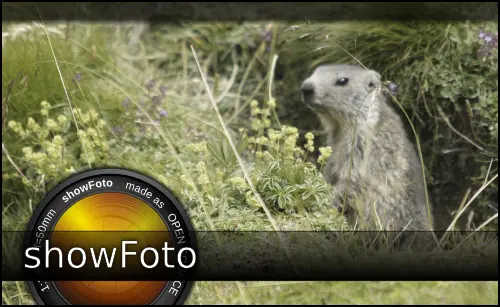 | |
| 2.0.0 |  | 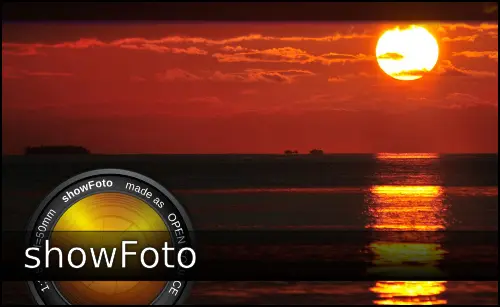 | |
| 2.0.0-beta6 | 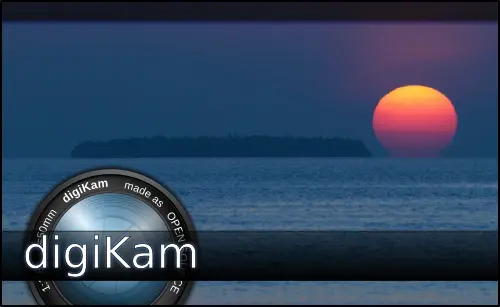 | 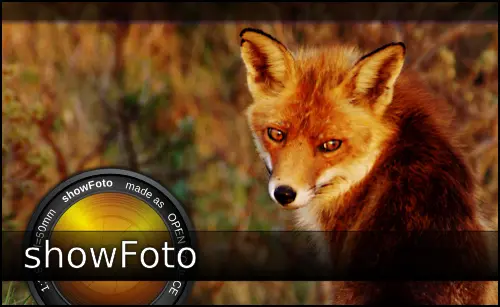 | |
| 2.0.0-beta5 | 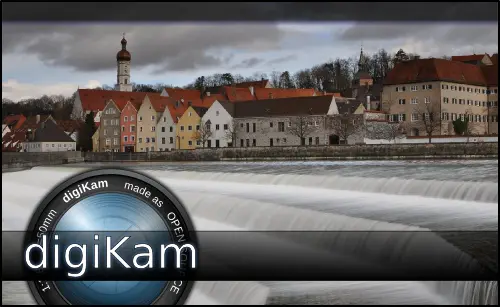 | 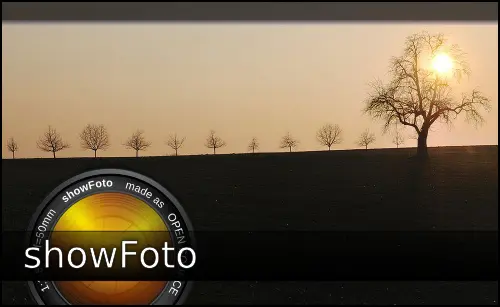 | |
| 2.0.0-beta4 |  |  | |
| 2.0.0-beta3 | 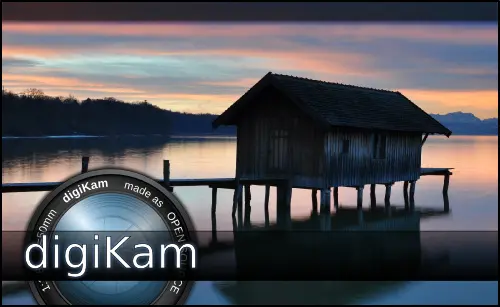 | 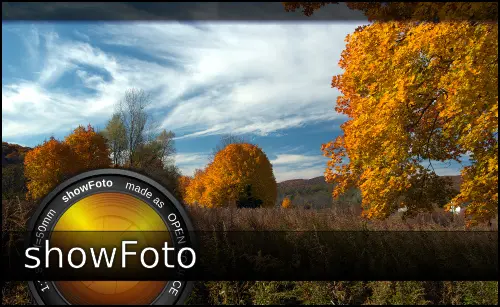 | |
| 2.0.0-beta2 |  | 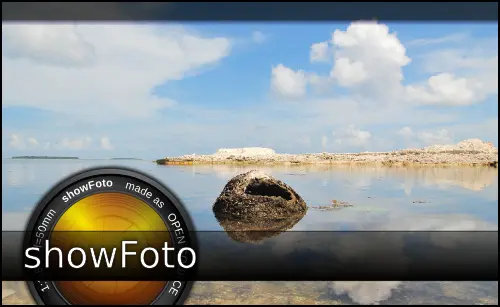 | |
| 1.9.0 | 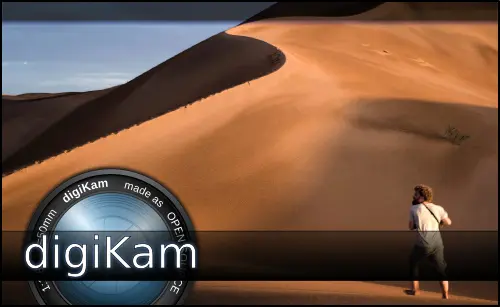 |  | |
| 1.8.0 | 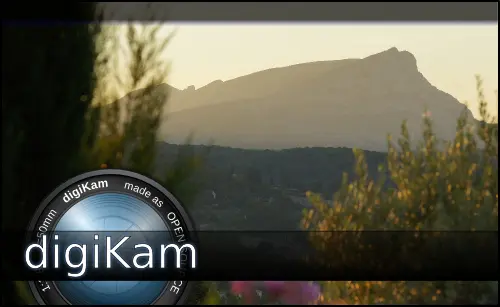 | 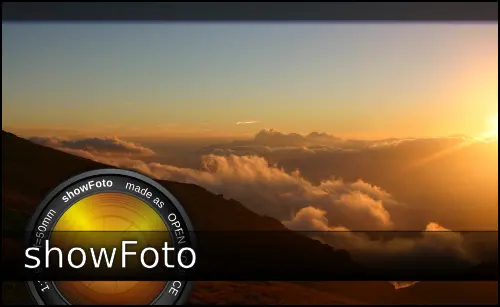 | |
| 1.7.0 |  | 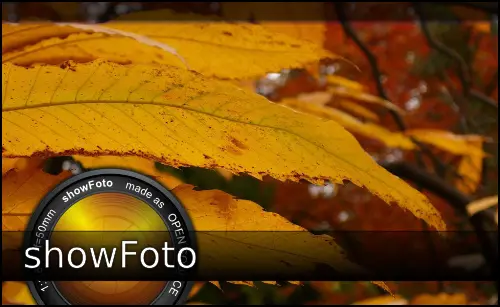 | |
| 1.6.0 | 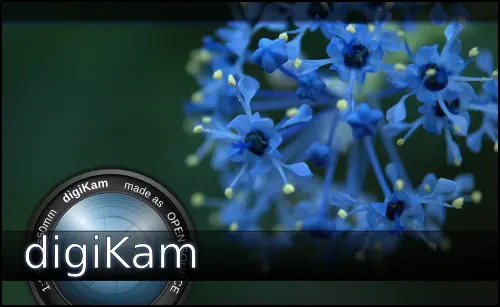 | 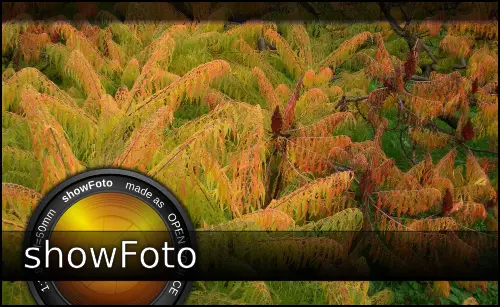 | |
| 1.5.0 | 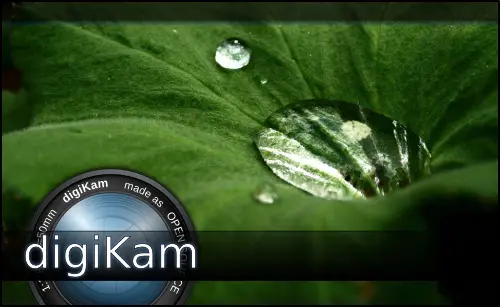 |  | |
| 1.4.0 |  |  | |
| 1.3.0 | 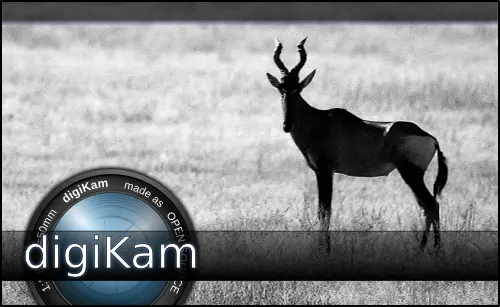 | 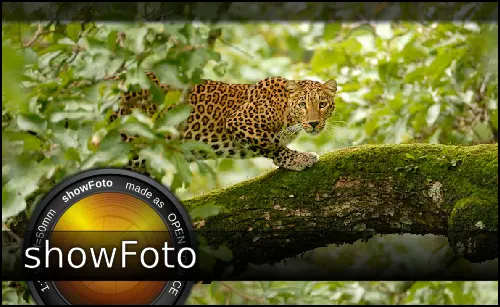 | |
| 1.2.0 |  |  | |
| 1.1.0 | 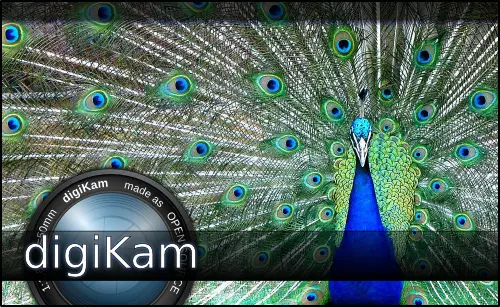 | 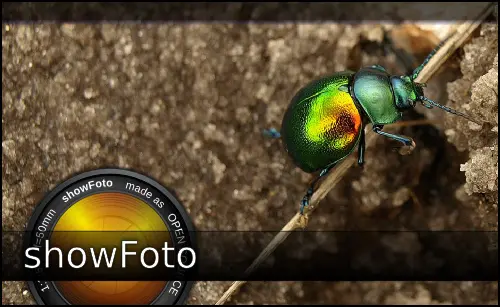 | |
| 1.0.0 |  |  | |
| 0.10.0/0.8.0 | 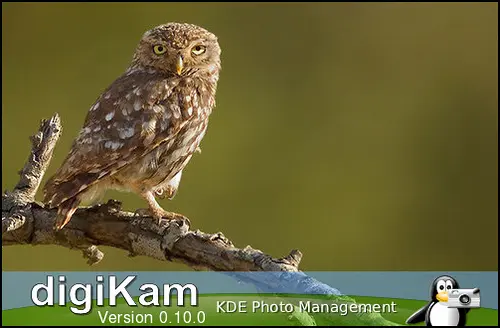 | 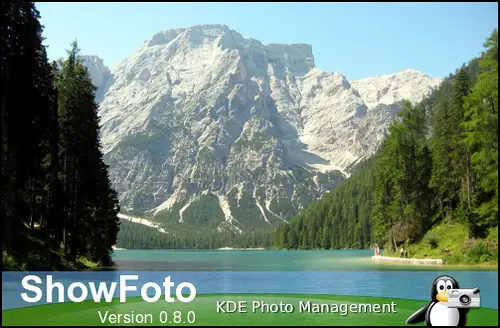 | |
| 0.9.0/0.6.0 | 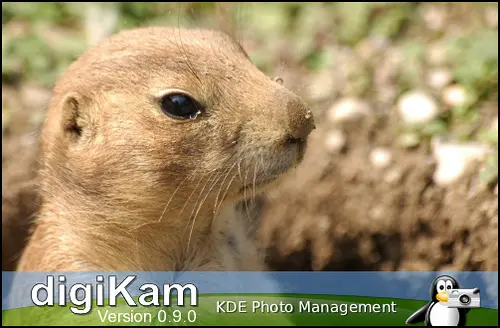 | 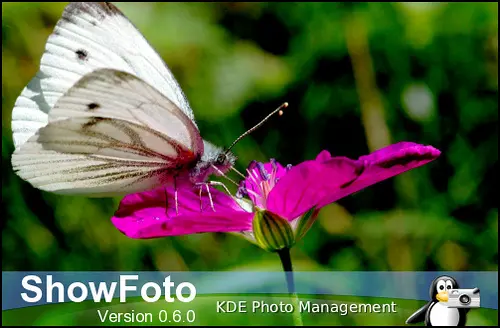 | |
| 0.7.1/0.5.0 | 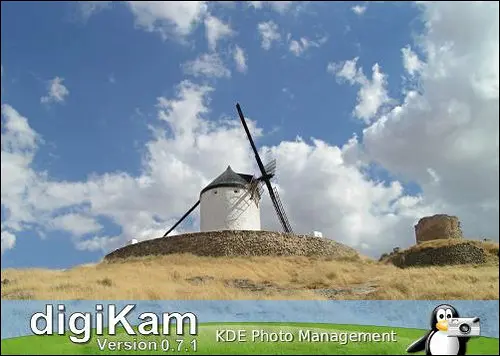 |  | |
| 0.7.0/0.4.0 | 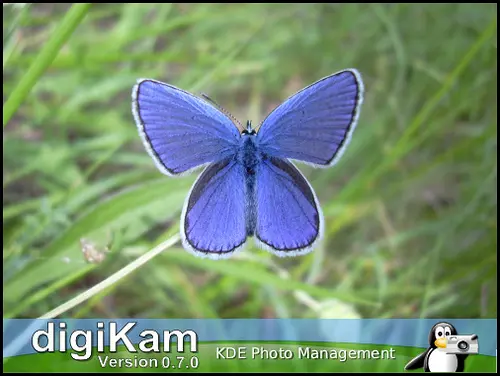 | 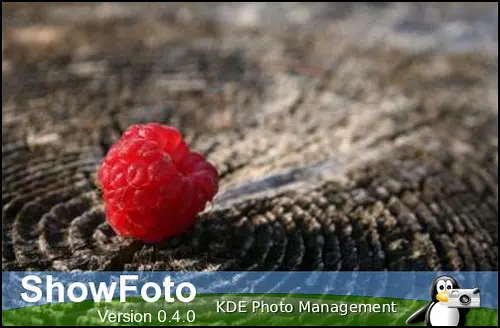 | |
| 0.6.2/0.3.0 | 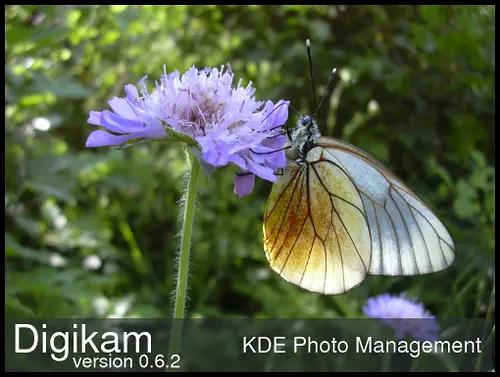 |  |